
How to Find Fresno County Court Dockets
Start at the official court page, not a third-party site. Fresno Superior Court lists case search tools at fresno.courts.ca.gov/online-services/case-information. From there, the link "View Case Information Now" loads the dynamic public portal at publicportal.fresno.courts.ca.gov. The portal shows only case info that the law allows the public to view. Sealed cases, juvenile files, adoption, mental health, and other limited matters do not show up here.
Search by case number when you have one. A name search works too, but it can pull a long list if the name is common. Use full legal names. Civil case numbers on notices often end with three letters that stand for the assigned judge. Drop those three letters before you search. For example, enter 03CECG00001, not 03CECG00001 SJK.
The court moved to a new case management system on March 26, 2026. Older screen captures from the prior Court Connect site may not match what you see now. Treat portal data as a public service copy, not the official record. For certified copies, the clerk needs a written or in-person request.
Step-by-step: How to Pull a Docket
- Open fresno.courts.ca.gov/online-services/case-information and read the public access warning.
- Click "View Case Information Now" to load the public portal.
- Pick the case type if asked. Civil, family, probate, small claims, criminal, and traffic dockets all live on the portal.
- Enter the case number (drop the trailing judge initials) or a party name.
- Open the case to view the register of actions, hearing list, parties, and status.
- For a sealed, juvenile, or non-public file, request access at the clerk window with proper ID and a written reason.
- For certified copies, mail or visit the clerk. The portal print is not certified.
- For bulk needs, use the case index order form instead of scraping the portal.
Register of Actions: The California Docket Format
In California, the docket is called the register of actions. It is a date-ordered list of case events. Each line shows what was filed, who filed it, what the court did, and when. The register of actions covers complaint, summons, proof of service, answer, motions, declarations, minute orders, hearing notices, rulings, judgments, and any notice of appeal. Probate cases add examiner notes. Criminal cases add arraignment, plea, bail, and sentencing entries.
The Judicial Branch has a public guide that explains what you can and cannot view from home. The lead-in below opens that page.
For background on California's remote access rules and Rule 2.503, see the Judicial Branch public guide to viewing electronic court records.
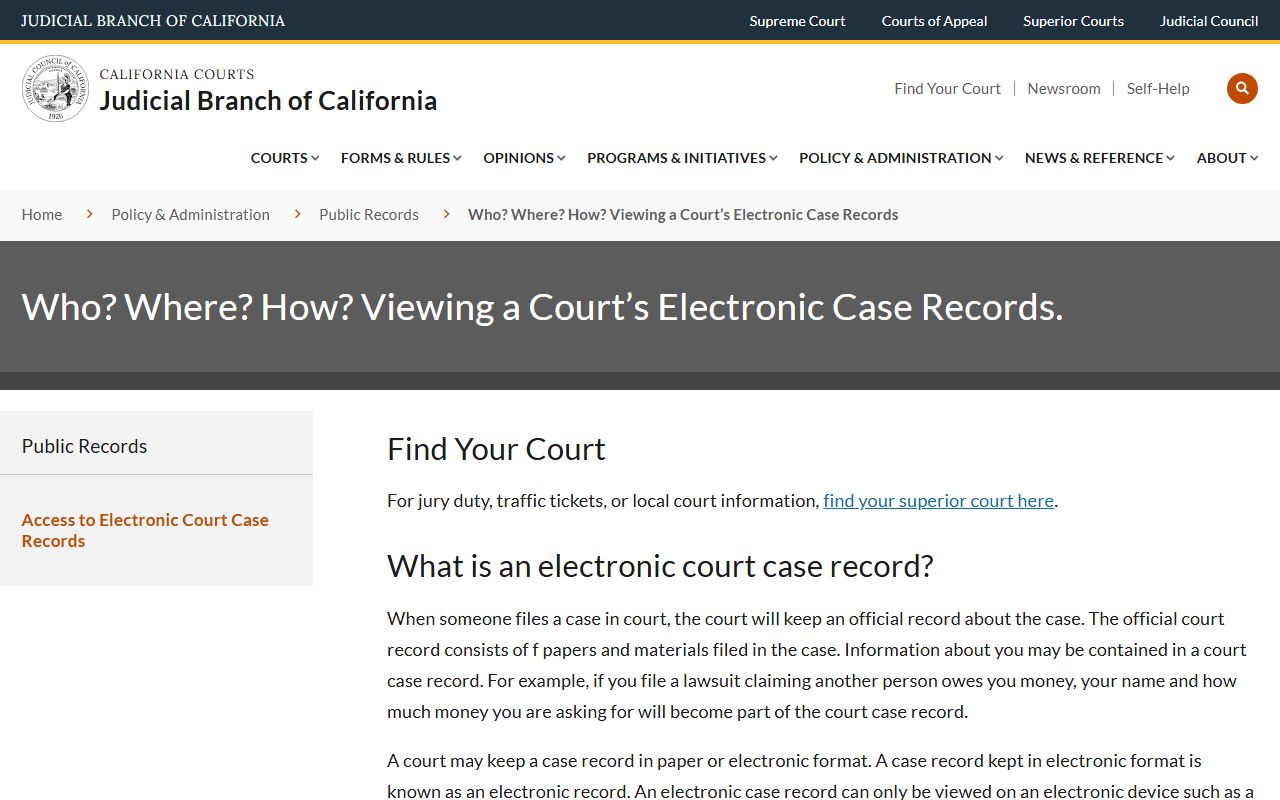
The guide makes the key point that some case records live online for court staff but can only be viewed at the courthouse by the public. That rule matters for Fresno docket searches when a case type or filing has remote restrictions.
Docket Term Definitions
- Register of actions: the docket. A list of every event in the case in date order.
- Minute order: the clerk's short, signed summary of what the judge did at a hearing.
- Hearing setting: a calendared date, time, and department for the case to be heard.
- Department: a numbered courtroom and judge assignment within a courthouse.
- Disposition: the outcome on a charge or claim, such as guilty, dismissed, judgment entered, or transferred.
- Status date: the date the current status was set on the case.
Hearing Dates, Departments, and Courtrooms
Each Fresno docket entry for a hearing names a date, a time, a department, and a courthouse. Departments are the courtrooms. Criminal and juvenile dependency hearings sit at the Downtown courthouse on Van Ness Avenue. Civil, family, probate, and small claims hearings sit at the B. F. Sisk courthouse on O Street. Traffic and criminal infractions sit at the M Street courthouse on Tuolumne Street. Knowing which building goes with which case type helps you read the docket fast and show up at the right place.
| Courthouse | Address | Case Types | Clerk Hours |
|---|---|---|---|
| Fresno Superior Courthouse (Downtown) | 1100 Van Ness Avenue, Fresno, CA 93724-0002 | Criminal, juvenile dependency, central court services | Mon-Fri 8 AM - 4 PM |
| B. F. Sisk Courthouse | 1130 O Street, Fresno, CA 93721-2220 | Civil, family, probate, small claims, unlawful detainer, restraining orders, self-help | Mon-Thu 8 AM - 3 PM; Fri 8 AM - 12 PM |
| M Street Courthouse | 2317 Tuolumne Street, Fresno, CA 93721-1220 | Traffic infractions and criminal infractions | Mon-Fri 8 AM - 4 PM |
The Family Law Facilitator and Self-Help office sits inside B. F. Sisk at (559) 457-2143. That office can help you read the docket and pull the right form, but does not give legal advice.
What a Fresno County Docket Entry Contains
A docket entry is short. It packs a lot into one line. The case-level header shows the case number, the case title, the case type, and the current status. Each event line then names what was filed or heard. The public portal does not always link the full document image. For full copies, you visit the clerk or order them in writing.
| Field | What It Shows |
|---|---|
| Case Number | The court's case ID, such as 03CECG00001. Drop trailing judge initials before you search. |
| Case Title / Style | Names of the parties, such as Smith v. Jones or People v. Defendant. |
| Filing Date | Date the first document opened the case. |
| Case Type | Civil limited, civil unlimited, family law, probate, small claims, criminal, traffic, juvenile, appeal. |
| Hearing Date | Calendared date, time, and judicial officer for the next event. |
| Department | The courtroom number and building. |
| Minute Order | Clerk's signed summary of what the judge did at a hearing. |
| Disposition | Outcome on a charge or claim. |
| Current Status | Active, pending, disposed, dismissed, judgment entered, closed, transferred, stayed, sealed. |
| Status Date | Date the current status was set. |
| Parties and Counsel | Plaintiff, defendant, petitioner, respondent, and attorneys of record. |
The public portal is the working copy of this data. The screenshot below shows the host site that loads the case dockets. The lead-in points at the portal home.
The dynamic case portal sits at publicportal.fresno.courts.ca.gov, the host page for live Fresno docket lookups.
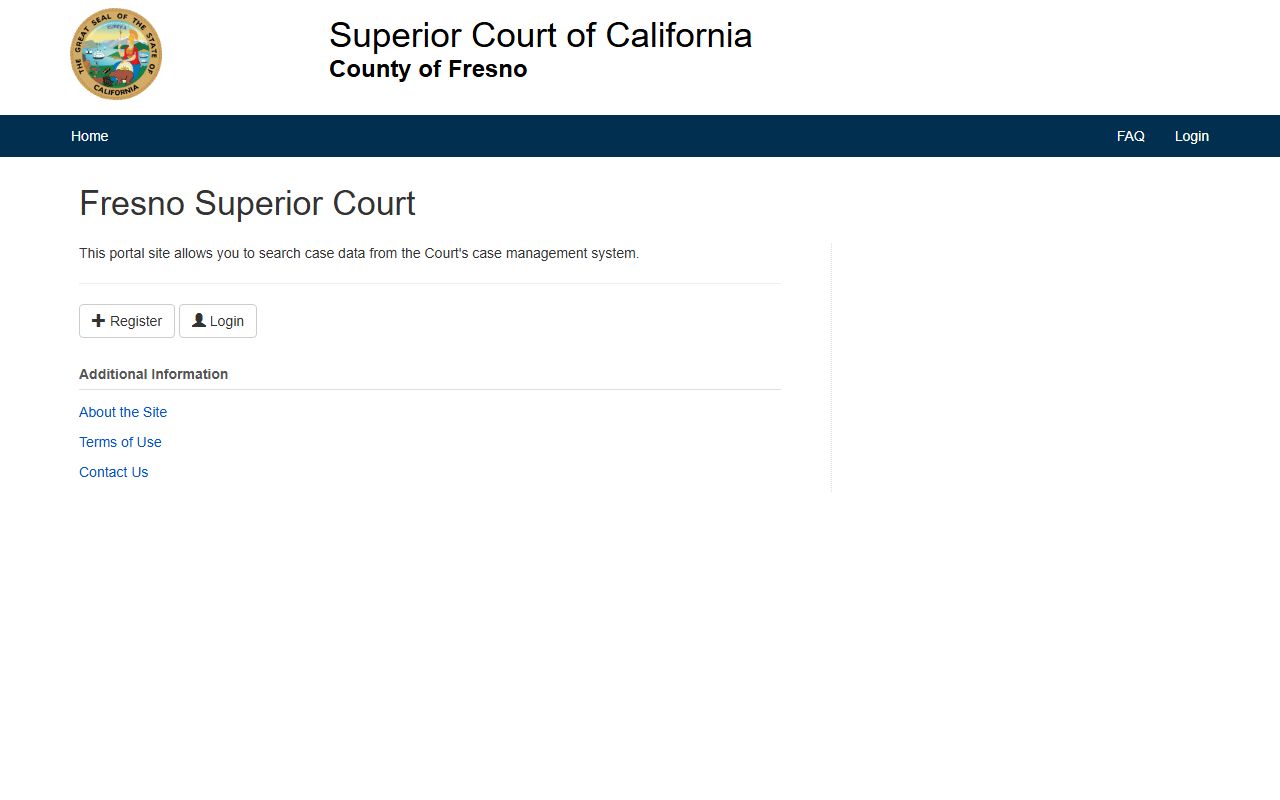
From this page the system loads the case search form, the dockets list, and the hearing calendars. Use it instead of any cached or third-party search.
Reading Case Status and Disposition
Case status sits near the top of the docket. It tells you, at a glance, whether the case is still open or closed. The current status field uses short labels. Common values include active, pending, disposed, dismissed, judgment entered, closed, transferred, stayed, and sealed. Each comes with a status date so you can see when the change took place.
Disposition is the outcome. In a criminal docket, that may be guilty plea, jury verdict, dismissed, or diversion. In a civil docket, it may be judgment for plaintiff, judgment for defendant, dismissed with prejudice, dismissed without prejudice, or settled. Family and probate cases use judgment, decree, or order labels. A dismissal with prejudice usually blocks refiling. A dismissal without prejudice may not.
Some entries use short codes. NOA is notice of appeal. POS is proof of service. MTC is motion to compel. OSC is order to show cause. The minute order line is often the best way to learn what the judge did that day.
Bulk Case Index Reports (Rule 2.507 Fields)
The portal is built for one case at a time. For lists of cases by month, the court runs a separate bulk product called a case index. The case index is a summary report. It is not the full docket and it does not include document images. The Rule 2.507 list of allowed fields sets what shows up.
The form and field list live on the case index ordering page. The lead-in below opens it.
The court explains the report types and fields on its case index ordering page, which lists the criminal/traffic and civil/small claims index products.
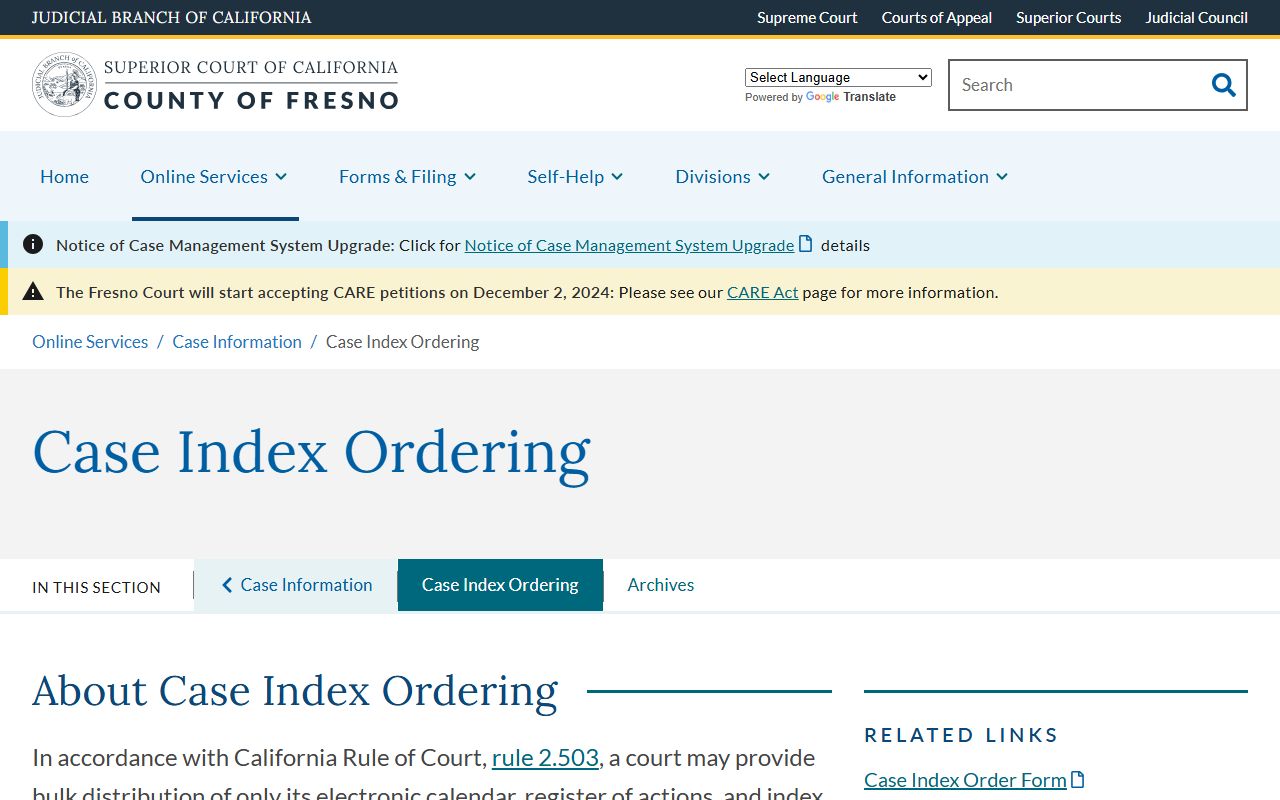
The cost is $70 per monthly report. One report cannot cover more than one month of data. PDF and text data file are sent by email; a hard copy adds $0.50 per page plus mailing. Checks go to Fresno County Superior Court.
Index fields under Rule 2.507 are:
- Case number
- Case style / party name
- Offenses (criminal and traffic index only)
- Case type
- Filing date
- Status date
- Current status
The index strips out sensitive data. Social Security numbers, financial info, warrant info, victim and witness info, ethnicity, age, gender, government ID, driver's license, and date of birth are not included. So the bulk product is broad but shallow. For the full register of actions on a single case, use the portal or visit the clerk.
Unlawful Detainer Docket Delay
Eviction cases have a 60-day delay before they appear in the public docket. California law keeps unlawful detainer filings off the public record for the first 60 days after the complaint is filed. The court repeats this warning on its case information page. If a tenant has just been served, the case may not be visible online yet. After 60 days, the case opens up if no statute keeps it sealed.
This delay matters for landlords, tenants, and screening services. A docket search inside the 60-day window will look empty even when a case exists. Parties can still see filings through their attorney or at the B. F. Sisk clerk window.
Docket Access Limits
Not every case has a public docket. California Rules of Court 2.500 through 2.507 set the rules for remote access. Rule 2.503 limits which case types can be viewed online by the public. Some case files can be seen on a courthouse terminal but not from home. Juvenile justice, juvenile dependency, adoption, mental health, conservatorship, family law financials, and sealed cases all carry tighter limits.
The California Public Records Act, now in Government Code section 7920.000 and following, governs administrative records held by the county. Court case records ride on the court rules first, not the CPRA. So a docket question on a court case goes through the Superior Court clerk, not the county public records portal at NextRequest.
Statute and Rule Callout
- Cal. Rules of Court 2.503: remote access limits for electronic case records.
- Cal. Rules of Court 2.507: permitted fields in a public case index.
- Gov. Code § 7920.000 et seq.: California Public Records Act, county side.
- Welf. & Inst. Code § 827: juvenile case files; tight access rules.
Appellate Dockets (Fifth District Court of Appeal)
Appeals from Fresno trial cases go to the Court of Appeal, Fifth Appellate District. The Fifth District sits in Fresno at 2424 Cesar Chavez Boulevard and covers nine Central Valley counties. Limited civil, misdemeanor, and infraction appeals stay at the superior court appellate division. Unlimited civil, felony, family, probate, and juvenile appeals move up to the Fifth District. Death penalty review skips to the Supreme Court of California.
Appellate dockets are searched at the appellate courts' own portal. Entries include notice of appeal, designation of the record, briefs, oral argument calendar, opinion, and remittitur. The remittitur sends the case back, and the trial court docket then carries a closing entry.